Got the link from the teacher? Here's how to install KidWave
KidWave has no public download. The teacher or the school office sends you a personal link, and from it you install the app straight from the browser. It shows up on your screen with its icon and gets notifications.
Why only by link? So that only the parents and teachers added by the school get into the app. Haven't got the link? Ask the teacher or the school office.
The steps, on your device
iPhone and iPad
- 1Open the link from the teacher on your phone, in Safari.
- 2Tap the Share button: the square with the arrow pointing up, in the bottom bar.
- 3Scroll and choose “Add to Home Screen”.
- 4Tap “Add”. The KidWave icon appears on your screen.
- 5Open KidWave from your screen, log in and allow notifications.
On iPhone, notifications only work in the app added to the Home Screen, on iOS 16.4 or newer.
What you get now and what comes with the App Store
In the web app, starting today
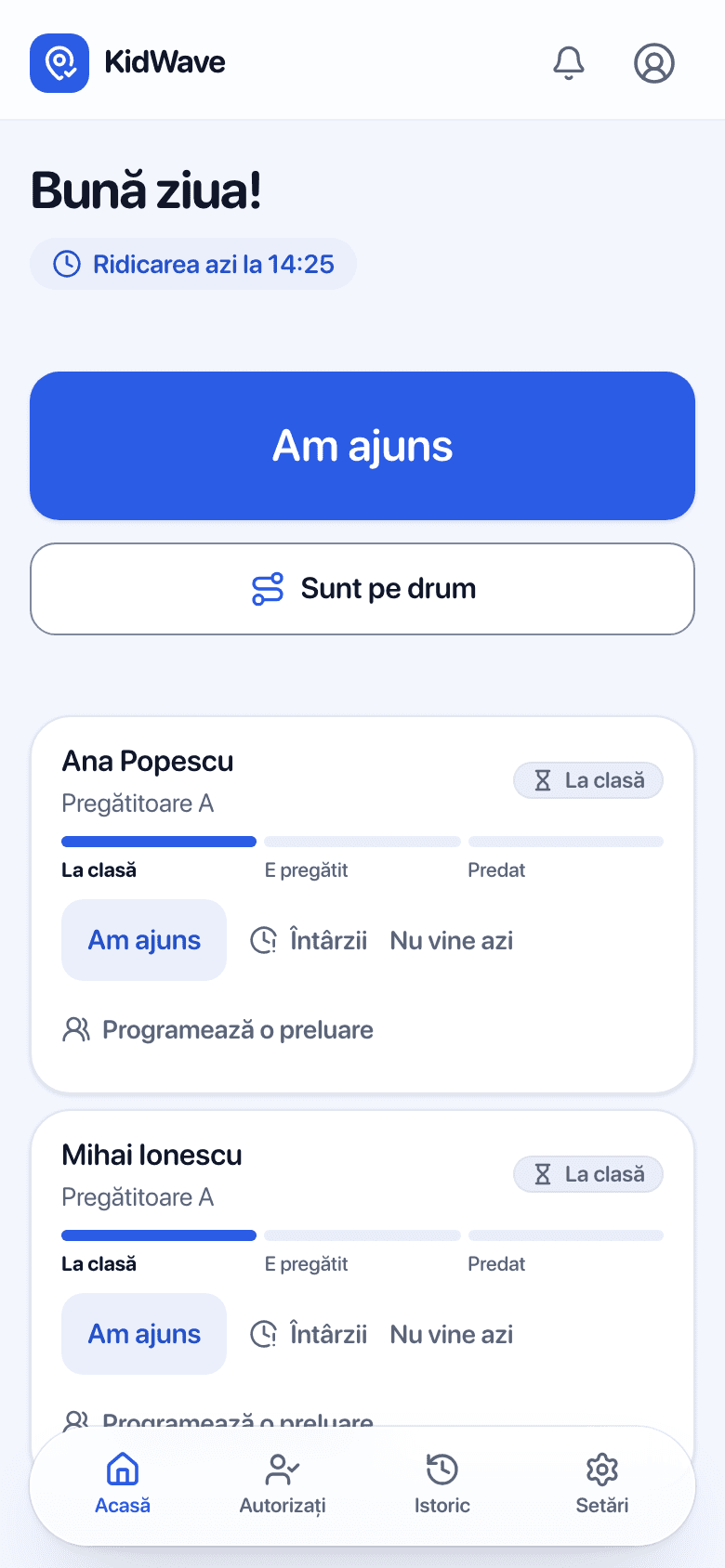
- Announce on my way, I'm here, running late or not coming today
- “Ready” and “Handed over” notifications
- Authorize grandparents and the nanny, with a QR code at the gate
- Planned absences from the calendar, and the history
Only in the App Store app, coming soon
- Home-screen widget
- Your child's status on the lock screen and in the Dynamic Island
- Face ID unlock
- Your account stays the same when you switch to the store app
Questions about installing
Is it safe to install from the browser?
Yes. It's the same app, from the same server, over an encrypted connection (HTTPS). You don't download any file and don't grant extra permissions.
How do I uninstall it?
Like any app: press and hold the icon and choose “Remove” or “Uninstall”.
What do I do when KidWave is on the App Store or Google Play?
Install it from there and log in with the same account. You can then remove the web app.
I don't see “Add to Home Screen” on my iPhone.
Open the page in Safari, tap Share and scroll the list of actions all the way down. If it still isn't there, check you're not in private browsing mode.
I lost the link. What do I do?
Ask the teacher or the school office for it again. Without the link you can't get into the app.